First Look at the Neat Board 32 Microsoft Teams Rooms With MDEP
Graham Walsh, Microsoft MVP, Director of Global Technical Sales and Alliances at Neat, gives an exclusive first look at the Neat Board 32, the latest all-in-one collaboration device designed for huddle spaces and express-install meeting rooms.
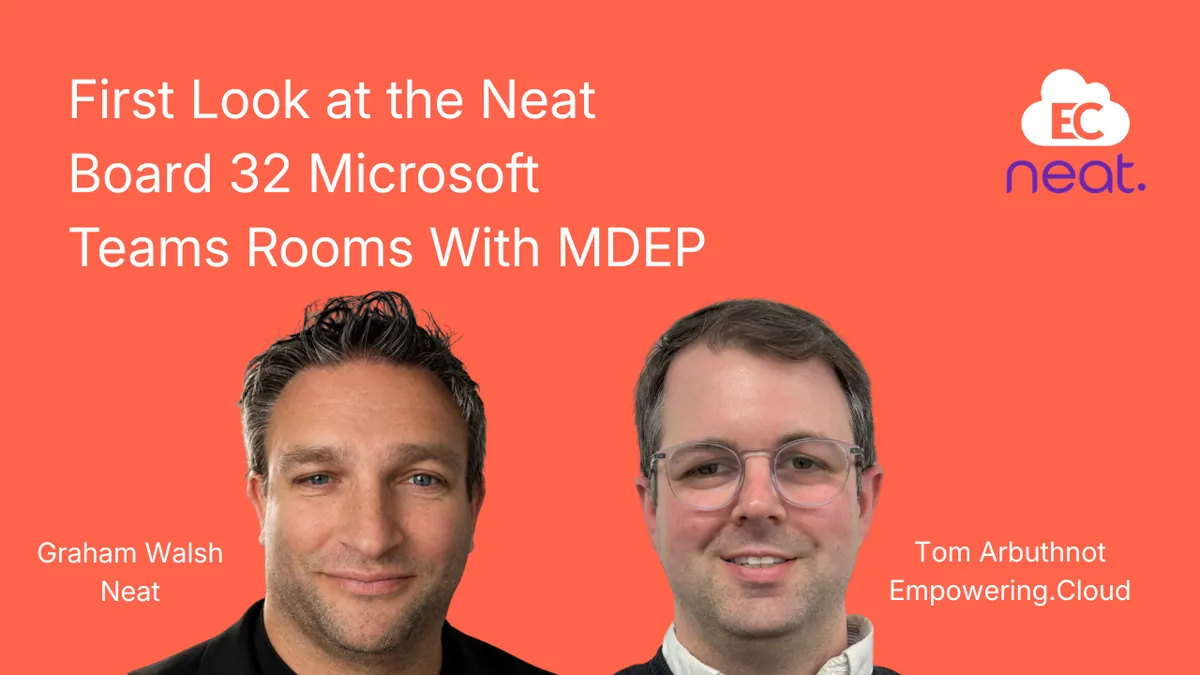
Graham Walsh of Neat gives Tom Arbuthnot an early look at the Neat Board 32, a huddle-space all-in-one still in Teams certification. The walkthrough covers the fixed table stand, optional adaptive stand and 100x100 VESA mounting, the 140-degree camera with Neat Symmetry framing, and Neat's first MDEP device with factory key attestation, managed through Neat Pulse on an MTR Pro licence.
Graham Walsh, Microsoft MVP, Director of Global Technical Sales and Alliances at Neat, gives an exclusive first look at the Neat Board 32, the latest all-in-one collaboration device designed for huddle spaces and express-install meeting rooms.
• Unboxing and setup: fixed table stand included, VESA 100x100 mount support, and an optional adaptive stand for flexible height adjustment
• Full 4K display that doubles as a monitor via USB-C or HDMI in BYOD mode
• 140-degree field of view camera with Neat Symmetry composite framing and intelligent boundary settings
• Four beamforming microphones with corner placement for clear audio pickup
• 2-way loudspeaker system for clear, balanced audio playback
• Neat Active Marker compatible for digital whiteboarding
• Built-in environmental sensors for temperature, humidity, occupancy, and air quality
• First Neat device with MDEP (Microsoft Device Ecosystem Platform) for Microsoft Teams, featuring built-in key attestation for enhanced security
• Magnetic camera cover included for privacy, with LED indicator behind the fabric
• Remote management through Neat Pulse, including remote sign-in capabilities
• Requires a Microsoft Teams Rooms Pro licence with support for licence stacking for individual users.
Chapters
- 0:05 Introducing the Neat Board 32
- 0:46 What's in the box: fixed table stand and VESA mount
- 1:31 Optional adaptive stand and mounting weight
- 2:43 Ports, cables and BYOD as a 4K monitor
- 2:59 Camera, 140-degree field of view and Neat Symmetry
- 3:53 Four-microphone array and corner placement
- 6:24 MDEP on Neat OS and key attestation
- Switching between Teams, Zoom and BYOD modes
- Magnetic camera cover and privacy design
- 6:24 Shipping status and the route to the MDEP image
- 7:10 Neat Pulse remote management and remote sign-in
- 7:12 MTR Pro licensing and licence stacking
Key insights
- The Neat Board 32 was still in Teams certification at the time of filming, shown as an early access preview.
- A fixed two-piece table stand ships in the box; the adaptive table-clamp stand is an optional accessory available later.
- The device supports 100x100 VESA mounting, but weighs around 10 kilos, so the monitor arm must be rated for it.
- A 1.8 metre braided USB-C cable is included for BYOD mode; HDMI plus USB-A works for older laptops.
- The single camera has a 140-degree field of view, with Neat Symmetry composite framing and boundary settings to exclude passers-by.
- Four microphones are used, two in the middle and one in each corner, for people seated close to the device.
- This is Neat's first MDEP device; units shipping now have key attestation and can take the MDEP image via factory reset.
- The Board 32 requires a Microsoft Teams Rooms Pro licence, which Microsoft supports stacking on top of E5 for personal use.
Insights summarised by AI from the episode transcript, reviewed by the Empowering.Cloud team.

Comments ()