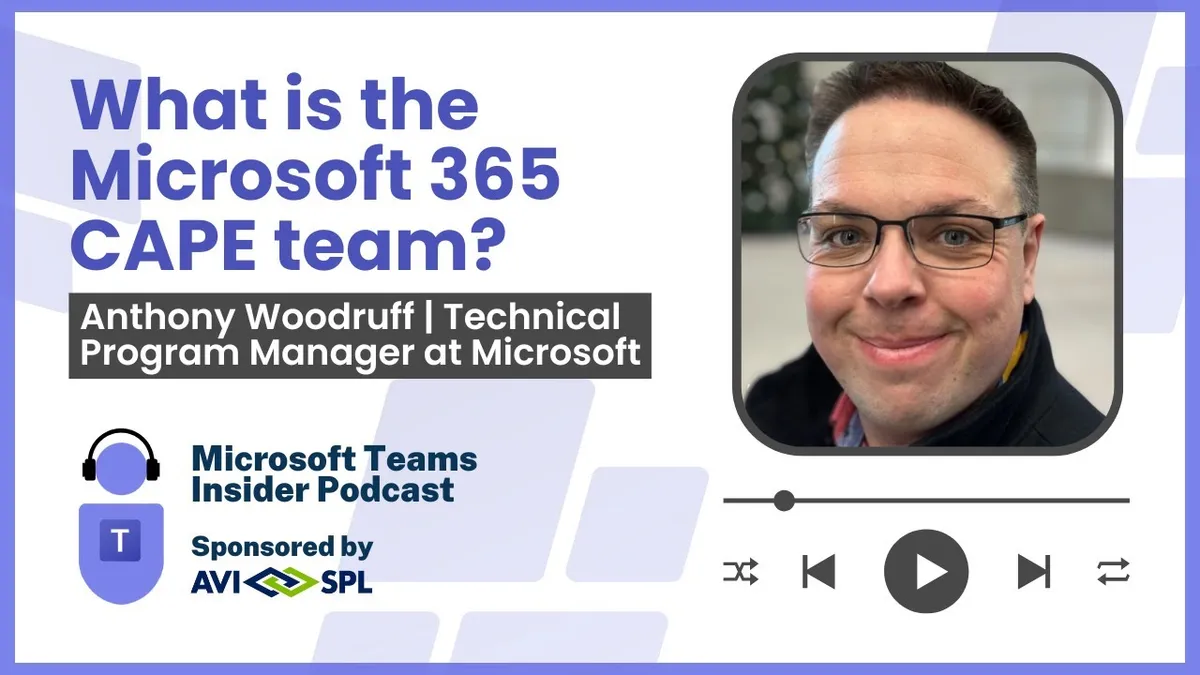
What is the Microsoft 365 CAPE team?
Anthony Woodruff is a Senior Technical Program Manager on Microsoft's M365 Customer and Partner Ecosystem (CAPE) team, working with strategic customers on Teams deployments, escalations and playbooks.
Prefer audio?
Who should listen: Microsoft 365 service owners and Teams admins who want to understand which Microsoft team owns customer escalations and playbooks, plus anyone building a practical Copilot adoption story from real day-to-day use cases rather than demos.
Guest: Anthony Woodruff — Senior Technical Program Manager, M365 Customer and Partner Ecosystem (CAPE) team, Microsoft
Anthony Woodruff is a Senior Technical Program Manager on Microsoft's M365 Customer and Partner Ecosystem (CAPE) team, working with strategic customers on Teams deployments, escalations and playbooks. He explains how the team is structured and where it fits, then walks through his own real-world Copilot use cases, the shift to evergreen cloud operations and the free assets his team publishes.
Many thanks to AVI-SPL, sponsor of this episode.
Key insights
- The M365 CAPE team is global (Seattle, California, Midwest, New York, UK) and deliberately mixed: technical program managers on customer health, escalations and quality; customer experience PMs on extensibility and plugins; ecosystem PMs who get partner apps into Teams; and 'TOL' PMs covering Teams as an operating layer, connectors and extensibility. ▶ 2:02
- Woodruff's part of CAPE covers all of Teams — chat, calling, meetings, devices, the new AI workloads and Teams Premium — which means breadth plus depth; Arbuthnot notes Premium alone has roughly 11 distinct feature areas, and knowing webinars inside out is a different skill from knowing the security or branding features. ▶ 5:06
- The highest-value CAPE work is staying on the journey with complex organisations through deployment and reviewing afterwards, because in-the-moment customer feedback carries context that surveys cannot — and the skill is articulating back to product why a feature is being asked for, not just that it is. ▶ 6:41
- The evergreen model is still the biggest mindset shift: no more ISO files and cumulative updates with a static feature list, but a constantly moving roadmap with new UI appearing and features deprecated. Woodruff met engineers at an event who had never seen a server or installed a Windows OS — cloud natives with no on-prem frame of reference. ▶ 7:42
- His day-to-day Copilot use cases are concrete: catching up on overnight chatter from a worldwide team (where roughly 70% is noise and the value is finding the 30% that matters), summarising long group chats he's been added into, replacing manual meeting note-taking, and asking what an internal acronym means mid-call. ▶ 13:20
- Outcome-focused prompting is the differentiator — he asks for output formatted as tables because that's how he consumes data — and he still reasons over responses himself for accuracy. Copilot is a tool to make you more effective, not a replacement for judgement. ▶ 14:53
- Onboarding is a killer use case: a new starter in an org that uses Teams channels can query the chat history and documents to get up to speed, including internal acronyms, rather than relying on a formal onboarding process. ▶ 15:23
- Organisations underestimate what they already own — the web-based Copilot with commercial data protection is in almost every SKU, so teams can start learning and building adoption habits there before taking on the commercial decision of M365 Copilot licences. ▶ 23:42
- CAPE publishes free playbooks (including the Teams device deployment playbook) that stitch multiple features into an end-to-end scenario, available at aka.ms/teamsacademy — intended to answer questions without raising a support ticket. ▶ 32:27
Insights summarised by AI from the episode transcript, reviewed by the Empowering.Cloud team.
Listen: Apple Podcasts · Spotify · Other platforms



Comments ()