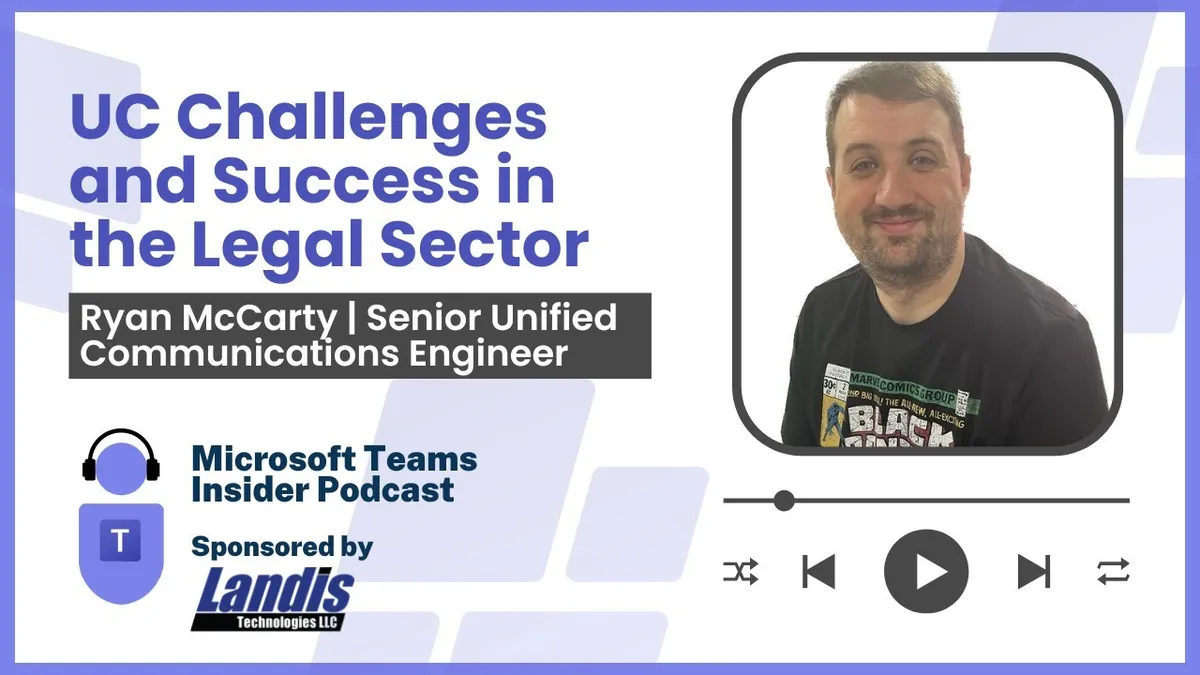
Unified Communications Challenges and Success in the Legal Sector
Ryan McCarty is a Senior Unified Communications Engineer at global law firm Freshfields, working across UC, AV design and property portfolio projects. He talks through meeting interoperability when clients dictate the platform, standardising Teams Rooms estates globally, the gaps in device…
Prefer audio?
Who should listen: Microsoft 365 service owners, UC and AV engineers in regulated or client-facing sectors, and anyone running a multi-site Teams Rooms estate where external meeting platforms and room reliability are business-critical.
Guest: Ryan McCarty — Senior Unified Communications Engineer, Freshfields
Ryan McCarty is a Senior Unified Communications Engineer at global law firm Freshfields, working across UC, AV design and property portfolio projects. He talks through meeting interoperability when clients dictate the platform, standardising Teams Rooms estates globally, the gaps in device management tooling and how he handles updates and user adoption.
Many thanks to Landis, sponsor of this episode.
Key insights
- In legal, the client dictates the meeting platform — Zoom, Webex or Google — so interoperability is a design requirement, not a nice-to-have. Pexip acts as the 'glue in the middle', functioning much like an SBC negotiating protocols back-to-back into Teams. ▶ 5:38
- Direct guest join has delivered only limited success in practice; McCarty's view is that supporting SIP across the whole estate is the better route, and the August updates bring that close. ▶ 6:39
- Click-to-join from a SIP address is only half the answer — without code-based join, once a meeting's start time passes there is no way to get an MTR to accept the invite other than an admin manually accepting it in the room mailbox, which is unworkable in high-stakes legal meetings. ▶ 7:42
- Split the estate by purpose: high-end client-facing spaces with DSP integration and Windows MTRs, versus practice spaces where a contained vendor bundle (Logitech Rally, HP Poly, Yealink) on Android is 'good enough' at a lower price point. Standardise on a single OEM where possible, because every extra vendor adds another management and monitoring portal. ▶ 13:17
- Standards should cover hardware and behaviour, not layout — rooms in Paris and New York won't be identical, but the programming and interface should feel the same to a user. ▶ 12:17
- Teams Rooms Pro Portal misses whole classes of failure: an HDMI-over-IP device or a Logitech Sight going offline isn't a signal the MTR itself is aware of. What's needed is one system aggregating signals from all platforms with AI correlation — piping raw alerts into an ITSM like ServiceNow just creates hundreds of tickets a day that engineers learn to ignore. ▶ 16:23
- Frozen touch panels don't show up in any monitoring platform because the device still reports as online — only a person walking into the room catches it, which is why daily physical checks matter in rooms where a failed client meeting causes reputational damage. ▶ 19:24
- McCarty runs maximum update deferment on production rooms with a small pool of test kit taking updates early — even at 60 days' deferment, the QR code UI change appeared unannounced, which is why adoption content needs to be short, infographic-style one-pagers pushed via Viva Engage (it notifies inside Teams) alongside email, rather than 15-page Word documents. ▶ 21:00
Insights summarised by AI from the episode transcript, reviewed by the Empowering.Cloud team.
Listen: Apple Podcasts · Spotify · Other platforms



Comments ()