Understanding Microsoft Teams Premium: Features and Use Cases
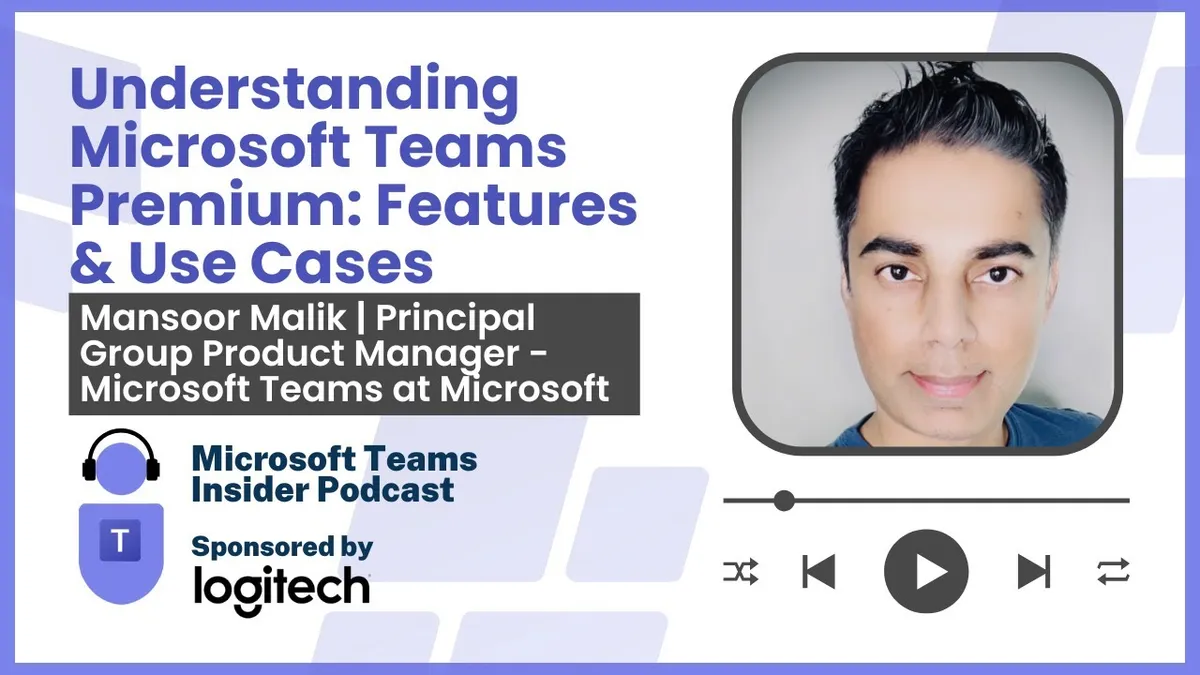
Mansoor Malik, Principal Group Product Manager for Teams Premium at Microsoft, gives a tour of the Teams Premium SKU, from the research behind its three pillars to the features that get the least airtime.
Prefer audio?
Who should listen: Microsoft 365 service owners and licensing decision-makers evaluating or already deploying Teams Premium, and UC consultants who need to map Premium features to concrete departmental use cases and ROI arguments.
Guest: Mansoor Malik — Principal Group Product Manager - Microsoft Teams, Microsoft
Mansoor Malik, Principal Group Product Manager for Teams Premium at Microsoft, gives a tour of the Teams Premium SKU, from the research behind its three pillars to the features that get the least airtime. He and Tom Arbuthnot cover ROI measurement, licence reclamation, meeting protection and where an enterprise should start a Premium rollout.
Many thanks to Logitech, sponsor of this episode.
Key insights
- Teams Premium was built around three research-driven pillars: advanced internal and external communications, personal productivity (catching up on a tripled meeting load), and meeting protection for the roughly 80% of enterprises now working hybrid. Use those pillars to frame any internal business case. ▶ 2:33
- Places is the newest headline addition and is the most broadly applicable feature in the SKU — it tells staff who else will be on campus that day, and gives facilities and IT occupancy data to reallocate underused workspace. Malik points to it as the tipping point that makes Premium worth licensing more widely. ▶ 6:07
- Queues app is positioned as a lightweight call-handling solution rather than a contact centre: real-time and historical queue reporting for supervisors, plus monitor, whisper, barge and takeover — but silent coaching only, not full CCaaS. ▶ 8:40
- Advanced town hall and webinar are the under-discussed value drivers. Tom's view: webinars alone can justify the licence cost against standalone webinar products, and town hall lets organisations self-service broadcasts they previously outsourced to a specialist with three months' lead time and separate budget. ▶ 9:42
- Microsoft commissioned a Forrester Total Economic Impact study on Teams Premium showing two to four times return on licensing cost, with a positive business case in year one; it is downloadable from the Teams Premium site, and the Microsoft Business Case Builder tool covers custom scenarios. ▶ 12:15
- The usage dashboard in Teams Admin Center shows feature-level adoption per user, so admins can spot licences that aren't being used and reassign them to teams with a live use case rather than simply renewing at $10 list per user. ▶ 13:15
- A dedicated Teams Premium section is on the roadmap for Teams Admin Center, consolidating licence management, usage reporting, user licence requests and feature settings in one place — largely a discoverability fix, as licences are currently managed in Microsoft Admin Center. ▶ 16:20
- Meeting branding is a bigger seller than expected, and not only for client-facing calls — brand-affinity research showed employees want to see company branding in the internal lobby and background experience too. ▶ 14:16
- For scoping a rollout, ask two questions: who works hybrid across campus and home, and who regularly runs internal or external meetings (B2B, B2C, attorney-client, doctor-patient, financial advisory). Then layer on town hall for leadership comms and watermarking, access controls or end-to-end encryption for R&D and confidential teams. ▶ 20:29
Insights summarised by AI from the episode transcript, reviewed by the Empowering.Cloud team.
Listen: Apple Podcasts · Spotify · Other platforms



Comments ()