Tampa International Airport - Embracing Microsoft Teams and AV Innovation
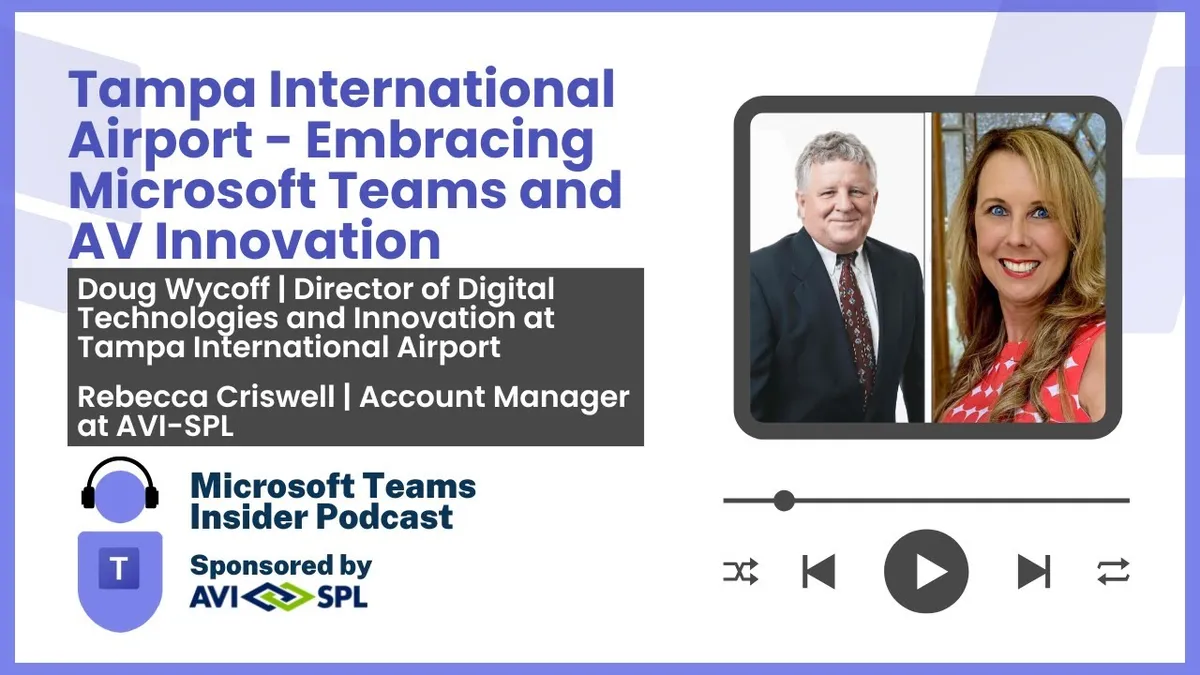
Doug Wycoff, Director of Digital Technologies and Innovation at Tampa International Airport, and Rebecca Criswell, his long-standing Account Manager at AVI-SPL, walk through the airport's Teams estate, from 30-plus standardised meeting rooms and badge-based hot desking to LED signage in the…
Prefer audio?
Who should listen: Microsoft 365 service owners and UC/AV professionals running large multi-room estates, particularly in 24/7 or public-facing environments, and anyone building a case for room standardisation, BYOD-only content sharing, desk booking or on-site managed AV support.
Guest: Doug Wycoff and Rebecca Criswell — Director of Digital Technologies and Innovation (Wycoff); Account Manager, AVI-SPL (Criswell), Tampa International Airport
Doug Wycoff, Director of Digital Technologies and Innovation at Tampa International Airport, and Rebecca Criswell, his long-standing Account Manager at AVI-SPL, walk through the airport's Teams estate, from 30-plus standardised meeting rooms and badge-based hot desking to LED signage in the terminal and the cell phone lot video wall. The conversation covers standardisation as a support strategy, the shift to bring-your-own-device sharing, and how on-site engineers keep a 24/7 facility from ever showing a black screen.
Many thanks to AVI-SPL, sponsor of this episode.
Key insights
- Teams usage at the airport tripled within the first 90 days of sending staff home for COVID — the event that finally forced adoption after a slow 2018/2019 start when Teams was seen as a "cool kids thing". ▶ 3:03
- Standardisation across 30-plus rooms at the SkyCenter office building is explicitly justified as a staffing efficiency: the same core Teams Rooms platform, the same audio footprint and the same touch panel experience, so the help desk and techs know exactly where to go regardless of room size. ▶ 4:05
- Persistent Teams bridges are pre-configured for the Emergency Operations Centre, so incident response can be joined from anywhere in the world without setting up a meeting. ▶ 4:35
- No two conference rooms are the same size, so audio pickup had to be tuned room by room — AVI-SPL spent roughly 48 hours over a weekend on a single room, and that ceiling mic and speaker model was then rolled out to the boardroom, replacing the old table microphones. ▶ 5:06
- Rooms were initially built with a laptop cable for content ingest; that was ripped out after about six months in favour of pure BYOD sharing through the Teams client, which also lets several people in the room share different content in the same meeting. ▶ 7:07
- Hot desking covers 175 spaces in the new building using a custom 22 Miles app with Embrava desk beacons: bookings capped at two weeks ahead and 10 hours at a time, badge tap at the cubicle for an instant reservation or to extend, and colleagues can be located by checking their calendar for the desk reservation. ▶ 8:09
- Signage is treated as a canvas the business fills: 164-inch LED screens in the event space, boardroom and first-floor conference rooms, plus added TV-ready lighting so press conferences can be run from the event space. ▶ 11:13
- Four AVI-SPL techs on site run daily checks on every conference room and every LED screen — no "worms" or black monitors tolerated in a 24/7 facility — with 10-minute dispatch from the service desk, and Wycoff reckons no meeting has had to move rooms because of a failure in two to three years. ▶ 17:52
Insights summarised by AI from the episode transcript, reviewed by the Empowering.Cloud team.
Listen: Apple Podcasts · Spotify · Other platforms



Comments ()