Microsoft Teams and AI Powered Workplace, Perspective From Ignite 2025
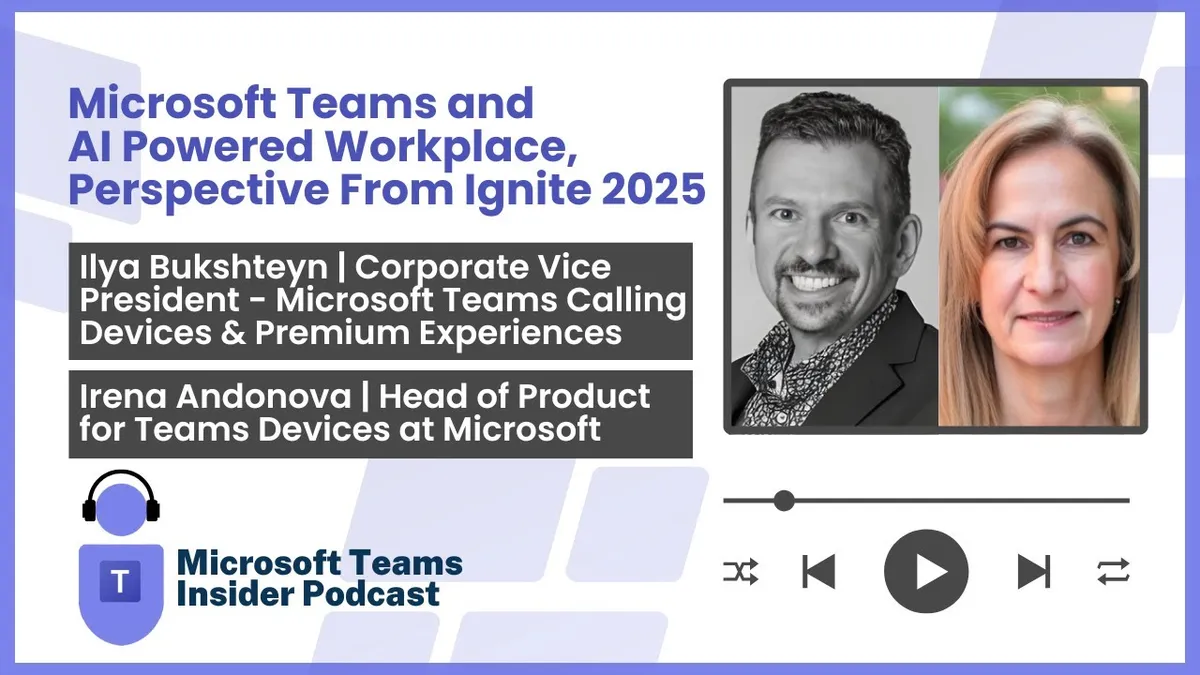
Recorded live on day two of Ignite 2025, Ilya Bukshteyn, CVP for Teams calling, devices and premium experiences, and Irena Andonova, who leads the Teams devices product team, walk through Microsoft's "secure, simple, smart" framing for Teams.
Prefer audio?
Who should listen: Microsoft 365 service owners, Teams admins and UC/AV professionals planning messaging security rollouts, Teams Rooms estate management at scale, or Android (MTRoA) device strategy.
Guest: Ilya Bukshteyn and Irena Andonova — Corporate Vice President, Microsoft Teams Calling, Devices and Premium Experiences; and Product Leader, Teams Devices, Microsoft
Recorded live on day two of Ignite 2025, Ilya Bukshteyn, CVP for Teams calling, devices and premium experiences, and Irena Andonova, who leads the Teams devices product team, walk through Microsoft's "secure, simple, smart" framing for Teams. The conversation covers new messaging security controls, multi-tenant simplification, Work IQ grounding for Copilot, admin and Pro Management Portal agents, ambient intelligence in Teams Rooms and the MDEP partnership for Android devices.
Key insights
- The majority of Teams engineering investment still goes into fundamentals — security, reliability and platform quality — and Bukshteyn does not expect that split to change despite the AI push. ▶ 3:07
- URL and file protection (safe links) in Teams is now fully live and, like all fundamentals work, ships to every Teams user rather than sitting behind Teams Premium. Domain impersonation warnings, one-click report of a user or message, and clearer external-user labelling next to the username are in the same bucket. ▶ 4:10
- Threading in channels is deliberately "simple by design, powerful on demand" — users can configure how they see it, acknowledging that long-time channel users find the behaviour change hard to adapt to. ▶ 5:10
- A single multi-tenant activity feed is coming, so a mention in a tenant you are not signed into surfaces in one place, plus the ability to pin a tenant to the left rail — significant for consultants and MVPs working across many customer tenants. ▶ 5:41
- The argument for grounding AI in Teams and SharePoint/OneDrive: internet knowledge is at best a small part of a work task, and manually gathering documents as attachments loses the richness of meeting and channel chat entirely. ▶ 8:12
- A Teams admin agent now handles repetitive but important admin work in natural language — for example analysing policies applied across all users and flagging who is out of compliance, replacing PowerShell scripts or manual eyeballing. Bukshteyn cites a customer running Teams with "one and a half people". ▶ 11:45
- The Pro Management Portal AI assistant answers both how-to questions (e.g. generating a one-time passcode for a technician) grounded on current docs, and estate queries such as "how many rooms with Logitech Tap have been deployed in the last 30 days", returning a categorised report without writing a query. ▶ 13:46
- Face and voice recognition in rooms is the foundation for useful AI output — "speaker one" is useless for assigning action items — but it is a hard problem spanning AI science and user discomfort with voice enrolment and compliance. Once solved, the room "brain" enables notes for in-person meetings with no online meeting, people counting, and detecting clutter, a chair in front of the camera, or someone whiteboarding. ▶ 16:21
- MDEP addresses Android fragmentation and security, and unlocks platform-dependent scenarios such as zero-touch provisioning and remote access; in parallel Android device management is moving to the Pro Management Portal with ring-based updates and more signals, and Cloud IntelliFrame with face recognition is rolling out to Android after Windows, with digital signage expected next. ▶ 19:23
Insights summarised by AI from the episode transcript, reviewed by the Empowering.Cloud team.
Listen: Apple Podcasts · Spotify · Other platforms



Comments ()