Microsoft Places Deep Dive with Microsoft - Customer Feedback, Deployment, Licensing | Insider Live
In this Empowering.Cloud Insider Live session, Chris Fitzsimmons is joined by Brennan McReynolds and Craig McClellan for an honest look at Microsoft Places.
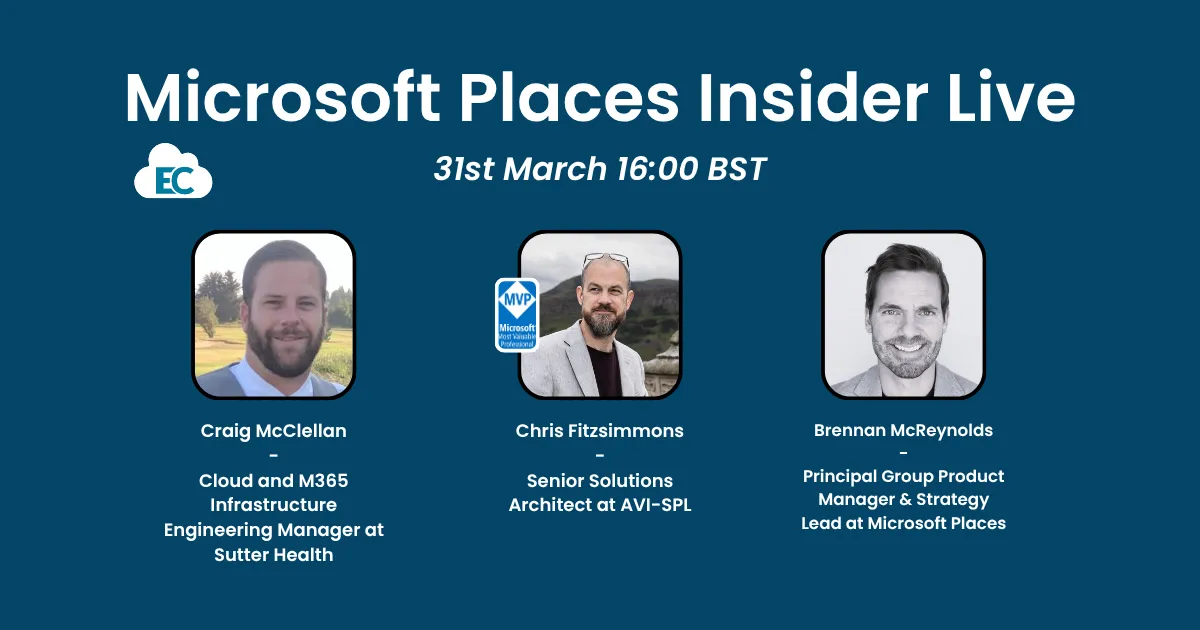
Chris Fitzsimmons hosts Brennan McReynolds (Microsoft Places product lead) and Craig McClellan (Sutter Health) on what Places does, what it deliberately doesn't do, and how it deploys at scale. Includes a live walkthrough of work plans, desk and room booking, the April 2026 licensing change covering E3/E5 and the Shared Space licence, and peripheral check-in.
Microsoft Places is evolving fast — but what's it actually like to deploy and use in production?
In this Empowering.Cloud Insider Live session, Chris Fitzsimmons (MVP & Senior Solutions Architect, AVI-SPL) is joined by Brennan McReynolds (Product Lead, Microsoft Places) and Craig McClellan (Infrastructure Manager, Sutter Health) for an honest look at Microsoft Places — what it does, what it doesn't, and what it's like to roll it out at scale.
Topics covered:
- What is Microsoft Places (and what it's NOT)
- The Copilot + Places story — automatic rebooking, smart room suggestions & workplace intelligence
- Live demo: work plans, desk booking, room booking & the Places app
- Real-world deployment lessons from Sutter Health's production rollout
- Who needs to be in the room when you start a Places project
- New vs Classic Outlook — what works where
- Licensing changes effective April 2026 (E3/E5 inclusion, Shared Space license)
- Peripheral check-in and why it matters
🔗 Useful links:
https://adoption.microsoft.com/en-us/microsoft-places/
https://learn.microsoft.com/en-us/microsoft-365/places/places-overview
👋 Empowering.Cloud runs peer exchanges, webinars, and community content for senior Microsoft 365 leaders. Find out more at https://empowering.cloud/events/
Chapters
- 1:57 Introductions: Chris, Brennan and Craig
- 2:20 What Microsoft Places is, and what it is not
- 6:54 Copilot, workplace intelligence and automatic rebooking
- 20:25 Sutter Health's user impact: one reservation system, not two
- Demo: setting a work plan and sharing your location
- 29:47 Demo: booking rooms in bulk and desk suggestions
- Demo: the Places app, people view and amenities
- New Outlook versus classic Outlook feature gaps
- Office hours and where Places stops: services and catering
- Licensing from 1 April: E3/E5 and the Shared Space licence
- Who to involve: Exchange, facilities, change management, leadership
- 33:31 Peripheral check-in and early plug-in handling
Key insights
- From 1 April, E3/E5 users with an Exchange or calendar licence get Places Finder, modern room booking and the Places app included.
- The Shared Space licence is the renamed Teams Shared Device licence at $8 for four spaces, roughly $2 per room or desk.
- Shared Space licensing covers advance desk booking, room and desk analytics, and auto release; Teams Rooms Pro rooms need no extra licence.
- Places Finder is now available in classic Outlook without a premium licence, but desk reservation remains unavailable there.
- Sutter Health runs about 60% of users on new Outlook and 40% on classic, without blocking rollback.
- Setting a work plan and sharing location should be step one in end user training, as desk booking depends on it.
- Room Finder rooms and Places Finder rooms are separate collections; existing rooms must be exported and imported into the Places directory.
- Craig McClellan recommends joining the weekly Places office hours for several months before piloting.
- Peripheral check-in, configured via Teams admin, checks users into a desk automatically when they plug in, including early arrivals.
Insights summarised by AI from the episode transcript, reviewed by the Empowering.Cloud team.
Comments ()