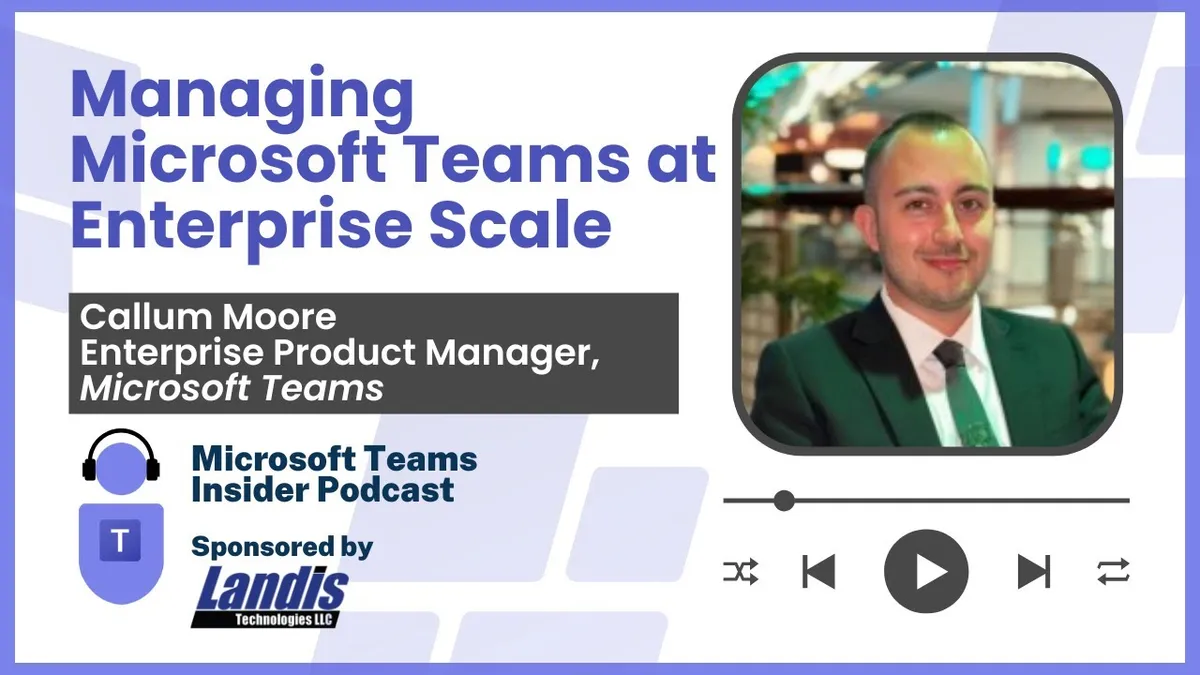
Managing Microsoft Teams at Enterprise Scale
Callum Moore is an enterprise product manager responsible for Microsoft Teams at a global organisation of nearly 400,000 users, with prior experience across professional services, healthcare, retail and UK banking.
Prefer audio?
Who should listen: Microsoft 365 and Teams service owners in large enterprises, desktop and client management teams, and IT operations leads responsible for client health, change communications and troubleshooting at scale.
Guest: Callum Moore — Enterprise Product Manager, Microsoft Teams, Global enterprise (c. 400,000 users, unnamed)
Callum Moore is an enterprise product manager responsible for Microsoft Teams at a global organisation of nearly 400,000 users, with prior experience across professional services, healthcare, retail and UK banking. He talks through client version management, the new client health dashboards in Teams Admin Center, remote log collection and silent test calls, and practical tactics for user communications at scale.
Many thanks to Landis Technologies, sponsor of this episode.
Key insights
- Enterprise Teams ownership is shifting from server-era team boundaries (networks owning telephony, SharePoint owning collaboration) to product-owner models where one person owns the roadmap and business value of the product rather than the infrastructure — and AI-first strategies are driving further structural change. ▶ 4:04
- Message Center volume has statistically increased significantly in the last 12 months versus the previous 12, largely because Copilot is both a new workload and an addition to every existing app. Small teams should treat the roadmap and Message Center as bite-size early warning rather than trying to absorb everything. ▶ 7:06
- Don't only promote big-ticket changes like the new chat and channels experience. Small client-level improvements — slash commands, keyboard shortcuts — often deliver more measurable benefit across hundreds of thousands of users and are just as appreciated. ▶ 7:37
- If you have no adoption team, stand up a Viva Engage community or storyline as a low-pressure space for users to discover features at their own pace, and use Copilot to draft social-style feature posts — feed it your previous comms and tone preferences to get consistent first-pass copy. ▶ 9:09
- Unreported glitches matter more than ticket volumes suggest: users live with blips and then repeat them as opinion ("Teams is good, but sometimes it fails me on a call"), which sets the product's reputation. The new client health dashboards in Teams Admin Center give version compliance, crashes, launch failures and update failures in one view, work an ops team would otherwise spend hours correlating without access to Microsoft's internal correlation IDs. ▶ 11:45
- Microsoft is enforcing a six-month client currency window with in-client banners telling users they are out of date. Deploying via the Teams bootstrapper guarantees the latest client at install or rebuild, removes stale images and surprise post-deployment updates, and makes the client health dashboard data more meaningful because version drift then points to genuine network or update failures. ▶ 15:51
- Remote log collection removes the need to RDP or PowerShell onto a user's machine, or ask a user in another time zone to press buttons — users who have already raised a ticket shouldn't lose another 20 minutes. The open question is whether Microsoft extends this to remote actions such as clearing the Teams cache, which is complicated by personalisation and language data held in that cache. ▶ 18:55
- Silent test calls let Teams clients run media streams between each other within a zone and yield back instantly if the user needs the client, giving network visibility without deploying third-party test infrastructure (often in the wrong place) or desktop agents. ▶ 21:27
- Feed problems back to Microsoft through in-product feedback, support tickets or your account team — and corroborate with peer organisations first, so you can tell the product group that three other orgs of similar scale or vertical are asking the same thing. ▶ 21:57
Insights summarised by AI from the episode transcript, reviewed by the Empowering.Cloud team.
Listen: Apple Podcasts · Spotify · Other platforms



Comments ()