Inside the Microsoft Teams Technology Adoption Program (TAP) - Building in Quality
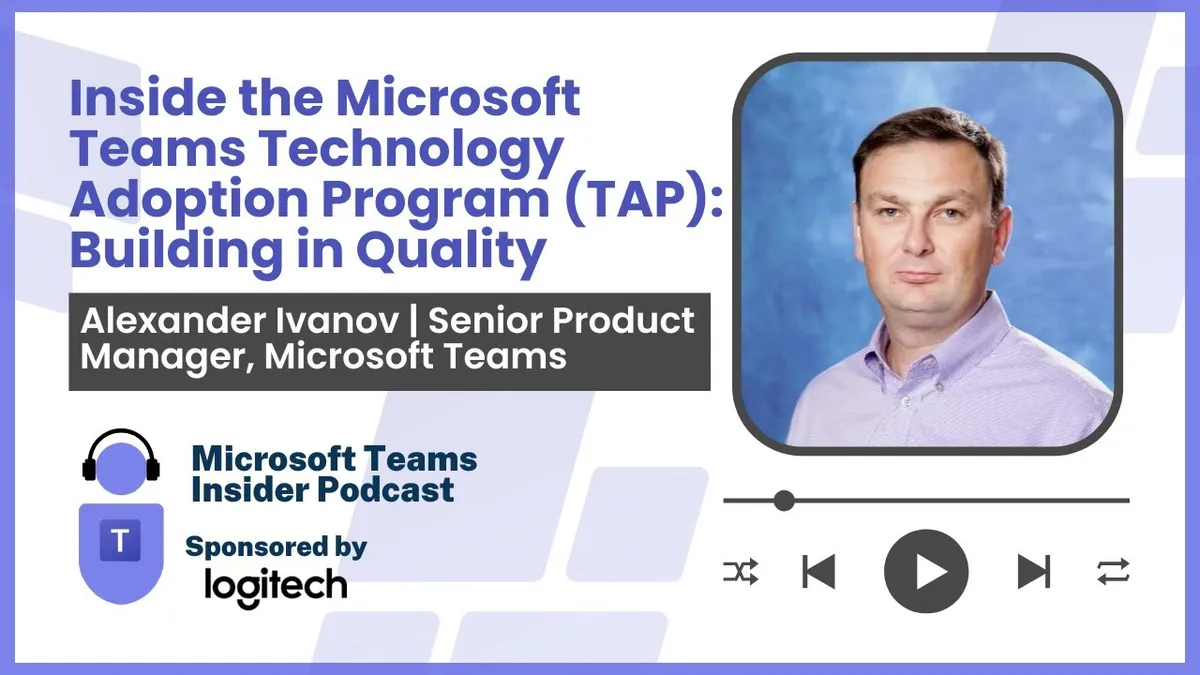
Alexander Ivanov is a Senior Product Manager in Microsoft's calling, meetings and devices organisation, where his product is quality and he runs the TAP 100 technology adoption programme for Teams Android devices.
Prefer audio?
Who should listen: Microsoft 365 service owners, Teams device administrators and UC/AV professionals running large Teams Rooms or Teams phone estates who want early visibility of firmware and feature changes, or are weighing whether to commit resource to a private preview programme.
Guest: Alexander Ivanov — Senior Product Manager, Teams Devices Quality, Microsoft
Alexander Ivanov is a Senior Product Manager in Microsoft's calling, meetings and devices organisation, where his product is quality and he runs the TAP 100 technology adoption programme for Teams Android devices. He explains how the invitation-only private preview works, what customers commit to, how certification and NPS feedback loops feed engineering, and how to apply to join.
Many thanks to Logitech, sponsor of this episode.
Key insights
- TAP is an invitation-only engineering programme, not a public preview: customers are brought in at the mockup stage before code is written, so feedback can change the feature design rather than just catch bugs. ▶ 4:39
- There is one TAP programme with multiple workstreams — calling, meetings, devices, immersive meetings and Copilot — each with dedicated PMs. Collaboration runs in a Teams team with a channel per area, so joiners work directly with the owning PM. ▶ 7:14
- Microsoft admits to 'creator bias': features always work in the product group's own environment because engineers press the buttons in the expected order. Value comes from customer network, policy and security configurations breaking things Microsoft cannot reproduce internally. ▶ 9:18
- Two TAP customers frequently give diametrically opposed verdicts on the same feature; Ivanov's job is to turn that freewheeling feedback into structured, log-attached bug reports engineering can root-cause. Nothing is rejected outright — suggestions go to the backlog and get prioritised if enough customers ask. ▶ 10:20
- TAP uses layered rings: product group in ring zero dogfooding, then customer IT admins and power users/adoption specialists for functional and usability feedback, then a wider ring where customers onboard their main business user population for scale testing — even something as simple as read receipts can hit back-end scalability at millions of users. ▶ 14:00
- Device updates are far more complex than client features: the Teams app, authentication app, the Intune app under AOSP, the OEM management app and the full firmware package all have to line up. Preview customers currently test phone update 8 and an MTR hotfix ahead of GA. ▶ 17:38
- Beyond the third-party industry certification (300+ tests on decibels and levels), Microsoft adds its own TAP certification layer focused on real user scenarios — individual micro-steps can each pass while the end-to-end experience still has hiccups. ▶ 20:41
- Device NPS comments are read individually by Ivanov, aggregated into a monthly call attended up to GM/GPM level. His ask: avoid generic 'not good' feedback and name the specific symptom — microphone, flickering video, call drop — so it can be categorised and drilled into. ▶ 23:45
- The Teams Android software preview now offers granular per-device control, so admins can put, for example, only the meeting rooms in the IT building on preview builds before wider exposure. ▶ 31:26
- Commitment is a weekly call (PMs present early feature briefings every Thursday) plus bug filing that takes around five minutes the first time and less thereafter; apply via the TAP 100 form and select option five, Teams Android devices. ▶ 30:24
Insights summarised by AI from the episode transcript, reviewed by the Empowering.Cloud team.
Listen: Apple Podcasts · Spotify · Other platforms



Comments ()