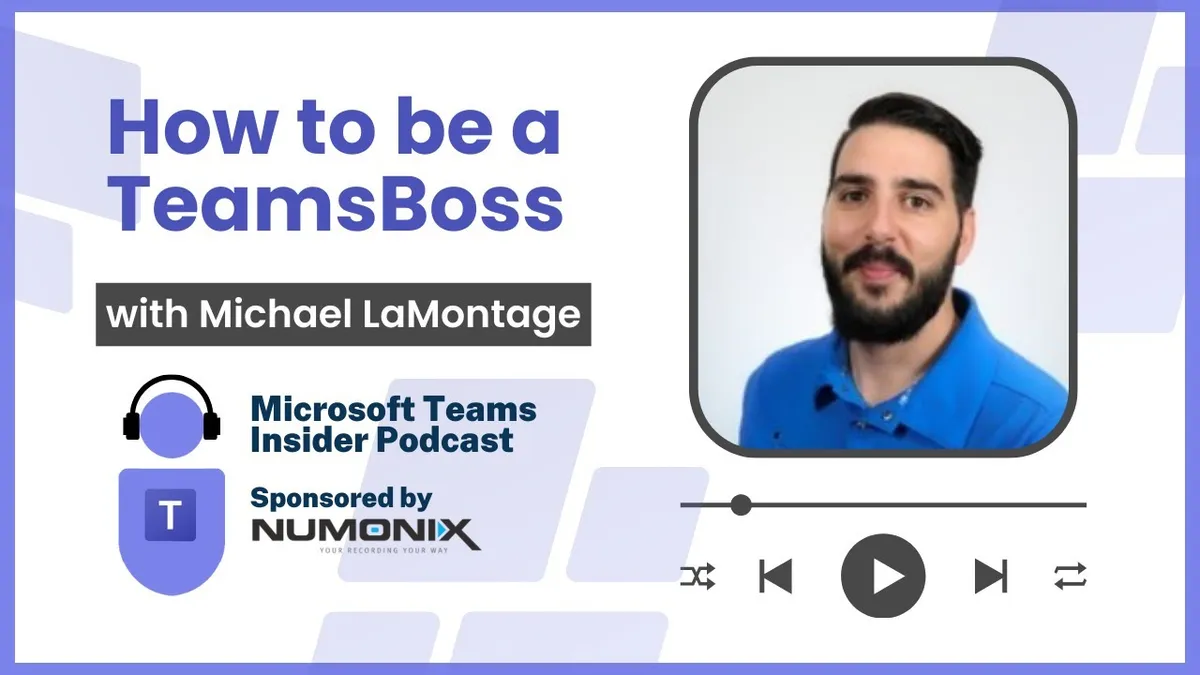
How to be a TeamsBoss with Michael LaMontagne
Michael LaMontagne is an independent consultant specialising in Teams Phone, Meeting Rooms and devices, and the principal product manager behind TeamsBoss.
Prefer audio?
Who should listen: Teams Phone administrators, telecoms teams moving from Cisco Call Manager into Teams, and partners running large direct routing or Teams Rooms deployments who are hitting the limits of Teams Admin Center and PowerShell.
Guest: Michael LaMontagne — Independent consultant and Principal Product Manager, TeamsBoss
Michael LaMontagne is an independent consultant specialising in Teams Phone, Meeting Rooms and devices, and the principal product manager behind TeamsBoss. He talks through his route from Lync 2010 and Cloud Connector Edition at a Canadian carrier to being part of the direct routing TAP, then demos TeamsBoss and its approach to number inventory, policy profiles, bulk changes and resource account provisioning.
Many thanks to Numonix, sponsor of this episode.
Key insights
- LaMontagne's team pulled the minimum topology out of Skype for Business Online Cloud Connector Edition and wrapped it in Azure automation, scaling to 200+ customers entirely in Azure outside Microsoft's own service — and was on the direct routing TAP alongside AudioCodes and Ribbon, among the first to deliver third-party telephony into Teams. ▶ 2:32
- The core design principle is pre-flight validation: you should never be able to assign a direct routing number to a user licensed for Calling Plans, so all those checks run before any change is attempted rather than surfacing as a PowerShell error afterwards. ▶ 4:36
- Teams Admin Center is fine for one-offs but is not a voice admin workflow tool — for bulk management or troubleshooting you are forced into PowerShell, which makes it hard to see where all the pieces are. ▶ 5:37
- TeamsBoss uses delegated Graph permissions only, storing no tokens or credentials, so activity is attributed to the individual admin rather than masked behind an app identity — a much easier security conversation than app permissions. For automation, customers run a function in their own Azure that fetches a limited token and calls the TeamsBoss API, keeping credentials and audit on their side. ▶ 7:11
- Number inventory is imported from Calling Plans, Operator Connect and direct routing assignments, with extra direct routing ranges tagged by carrier, SBC and site; the tool also detects number class so 'gold' numbers (e.g. ending in four eights or triple zeros) are reserved for auto attendants rather than handed to an intern. ▶ 8:44
- 'Profiles' are a matrix of phone number range to policy set; a suggestions engine analyses the existing tenant and proposes profiles that would cover, say, 100 or 200 users — and drift is flagged on a dashboard when someone changes a user in Teams Admin Center or PowerShell, with a one-click or scheduled API re-apply. ▶ 10:48
- A practical bulk-change tactic: upload the port document, apply, wait a few minutes, then re-upload the same file to see what has not yet replicated on the Microsoft side — using the validation pass as a progress gauge on large migrations. ▶ 14:53
- Unpopular opinion: avoid the Graph SDK PowerShell module and use Invoke-WebRequest / Invoke-RestMethod against the API directly. New Teams PowerShell throws raw API-style errors and no longer reliably returns objects, effectively requiring IT pros to have dev skills. ▶ 15:58
- Resource accounts remain a common stalling point on room deployments because there are two different kinds — call flow accounts for auto attendants and call queues, and device accounts for MTRs — and provisioning spans AD, Exchange, Entra ID, licensing and Teams across multiple portals plus PowerShell. Project RAM applies naming-convention rule logic and provisions in about five minutes, and includes a meeting migrator that rewrites calendar invites when moving rooms from on-premises to cloud-only accounts. ▶ 17:29
Insights summarised by AI from the episode transcript, reviewed by the Empowering.Cloud team.
Listen: Apple Podcasts · Spotify · Other platforms



Comments ()