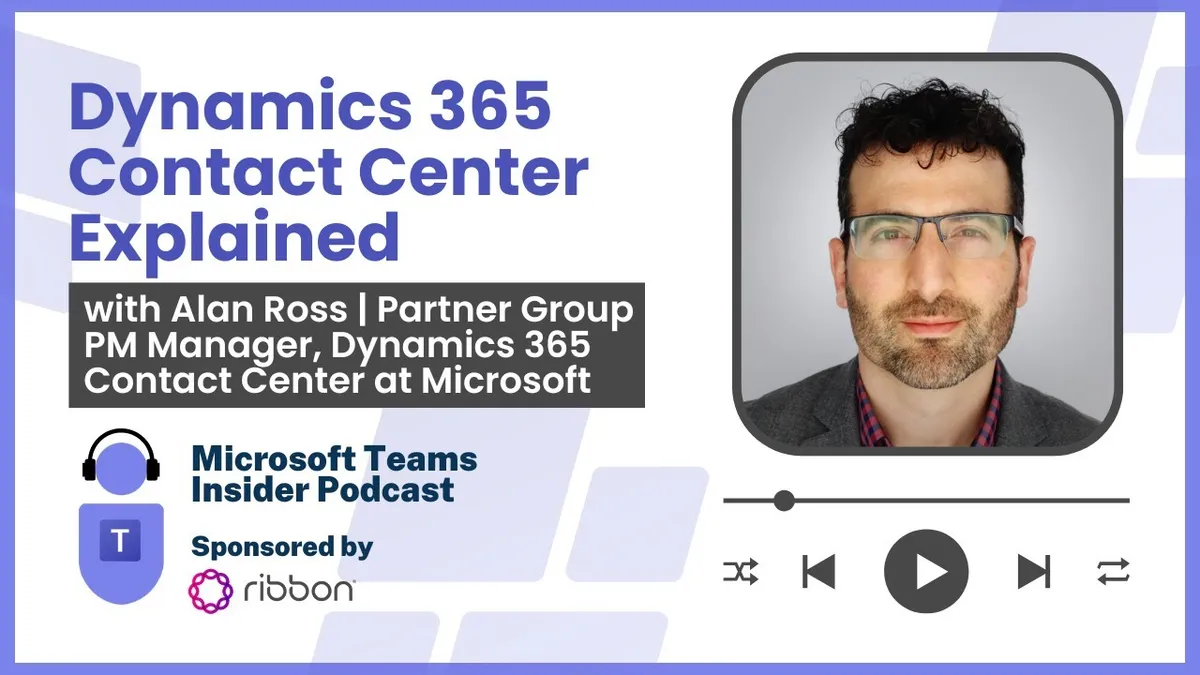
Dynamics 365 Contact Center Explained with Alan Ross, Partner Group PM Manager
Alan Ross leads the product management team behind Dynamics 365 Contact Center in Microsoft's Dynamics engineering group. He unpacks how the new standalone SKU replaces the Digital Contact Center Platform messaging, how it decouples from Dynamics 365 Customer Service, where Copilot fits for agents…
Prefer audio?
Who should listen: Microsoft 365 service owners, UC architects and contact centre leads evaluating Microsoft's first-party contact centre offering — particularly those who need clarity on how it differs from DCCP and Dynamics 365 Customer Service, what it costs beyond the seat licence, and how it sits alongside Teams calling and third-party CCaaS.
Guest: Alan Ross — Partner Group PM Manager, Dynamics 365 Contact Center, Microsoft
Alan Ross leads the product management team behind Dynamics 365 Contact Center in Microsoft's Dynamics engineering group. He unpacks how the new standalone SKU replaces the Digital Contact Center Platform messaging, how it decouples from Dynamics 365 Customer Service, where Copilot fits for agents and self-service, and how voice, licensing and Teams integration actually work.
Many thanks to Ribbon, sponsor of this episode.
Key insights
- Dynamics 365 Contact Center is now a single dedicated SKU with its own price, replacing the Digital Contact Center Platform (DCCP) framing, which was a marketing bundle of Nuance, Power Platform and ACS building blocks that customers could not directly compare against rival contact centre products. Expect DCCP branding to disappear. ▶ 4:39
- The contact centre is fully decoupled from Dynamics 365 Customer Service: it runs over Microsoft's CRM, a third-party CRM such as Salesforce, a mix of both, or headless with no CRM at all. One of the strongest demand signals is from customers with homegrown SQL-based CRMs who just want to bolt channels onto them. ▶ 3:36
- Copilot is included in the Contact Center licence with no separate agent AI SKU — covering conversation and timeline summarisation, case-note write-back at closure, and multi-turn knowledge search in a sidecar across first- and third-party knowledge sources. ▶ 12:49
- Generative actions (in preview) wrap existing APIs and web apps so agents can query, and optionally write to, back-end systems in natural language rather than bouncing between ten-plus screens per case. Guardrails include drilling into the source system behind an answer and a per-API 'please confirm before executing' setting. ▶ 16:21
- Risk-averse customers should sequence adoption: start with no-regrets summarisation, then knowledge lookup, then read-only API calls, and only then write operations — and keep generative AI agent-facing with a human in the loop before exposing it to end customers. ▶ 20:57
- Licensing is not all-inclusive: chatbots and self-service generative answers are bought through Copilot Studio with capacity packs based on conversation volume, and telephony requires a separate Azure Communication Services subscription with per-minute burn — cheaper on Azure Direct Routing (bring your own carrier such as Verizon, AT&T or BT) than on Microsoft direct offer numbers. ▶ 21:59
- Teams integration is native rather than an embedded app: swarming injects the case as a regular Teams chat message to subject-matter experts with context attached, and voice calls can be escalated to Teams video and screen sharing or routed to a Teams user. It shares the same underlying IC3/ACS infrastructure as Teams. ▶ 22:30
- There is no minimum seat count — customers can buy a single licence for a pilot — while the voice stack has been rebuilt cloud-native from the ground up with Nuance recognition and noise suppression to serve the largest contact centres. Named references include Lenovo, 1-800-Flowers and Synoptek, plus Microsoft's own support organisation as customer zero with A/B-tested Copilot-on/Copilot-off metrics. ▶ 33:21
Insights summarised by AI from the episode transcript, reviewed by the Empowering.Cloud team.
Listen: Apple Podcasts · Spotify · Other platforms



Comments ()