Bookable Desks in Microsoft Teams Explained
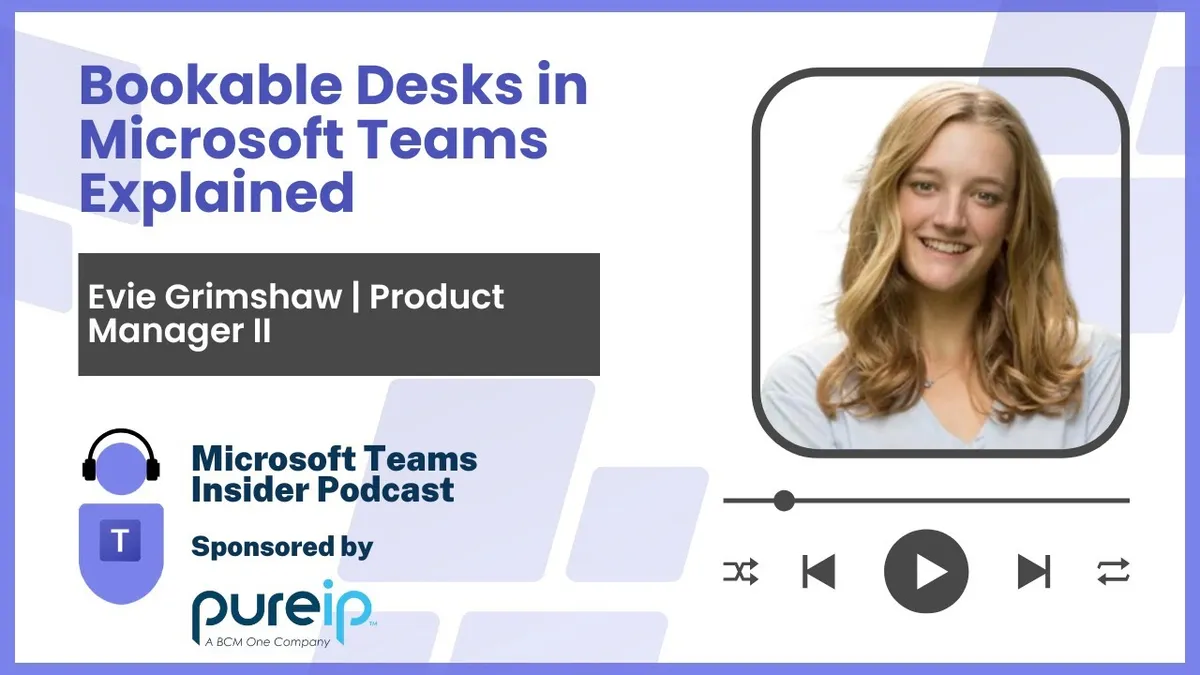
Evie Grimshaw, a product manager on the Microsoft Teams Devices team responsible for Teams panels and bookable desks, explains how desk booking works across Microsoft Places and the Teams desktop client.
Prefer audio?
Who should listen: Microsoft 365 service owners, Teams Rooms and devices admins, and workplace/real estate teams planning hybrid return-to-office desk booking and looking to understand how Places and Teams desk features fit together.
Guest: Evie Grimshaw — Product Manager, Teams Devices, Microsoft
Evie Grimshaw, a product manager on the Microsoft Teams Devices team responsible for Teams panels and bookable desks, explains how desk booking works across Microsoft Places and the Teams desktop client. The conversation covers peripheral-to-desk mapping in the Teams Rooms Pro Management Portal, automatic reservations and work location updates, privacy controls and the usage analytics available to admins.
Many thanks to Pure IP, sponsor of this episode.
Key insights
- Places and Teams bookable desks are one end-to-end solution, not competing features: Places handles planning and booking in advance (floor plans, who else is coming in), while Teams covers the 'last mile' once you physically plug in at the desk. ▶ 1:33
- Desk booking originally shipped against Exchange desk pools/workspace accounts, which have existed for years. Customer feedback pushed Microsoft to individual desk resource accounts — users want a specific seat by the window, and admins want per-desk usage insight. ▶ 3:05
- Individual desk resource accounts launched in Places in the autumn (announced at Ignite), and the full bookable desk feature set for individual desks — reservations, confirmations, work location updates and Pro Management Portal usage reports — was said to be about a month away at the time of recording. Desk pools already have all of it live today. ▶ 12:51
- No new hardware or software is needed: it reuses monitors and docks already on the desk, the Teams desktop client, and the Teams Rooms Pro Management Portal for setup and management. ▶ 6:39
- The mechanism is a mapping between a uniquely identified peripheral (monitor or docking station) and a desk resource account, held in the Pro Management Portal. Admins can either run a supplied script to collect peripheral information themselves, or use peripherals Teams has auto-surfaced once enough unique users in the tenant have connected to them. ▶ 7:10
- Coming soon: automatic association of a peripheral to a desk resource account, working like BYOD room discovery — once enough unique users have booked the desk and used the same peripheral, Teams creates the mapping, which admins can then edit or remove. ▶ 9:12
- Automatic work location updates are double opt-in: the tenant must enable the policy (tenant-wide, per group or per user), and then the individual user must also opt in. Users separately control granularity in Outlook — for example sharing only 'in the office' rather than a specific building or desk. ▶ 11:17
- Plug-in data is the truest signal of desk usage. Pro Management Portal reporting shows number of reservations, whether they were planned in advance or unplanned, and reservation occupancy — you could have 100 booked hours but only 10 hours where someone was actually plugged in. ▶ 13:52
- Teams uses plug-in detection to warn a user when they sit at a desk someone else has already reserved, avoiding the awkward conversation when the original booker arrives late. ▶ 5:38
Insights summarised by AI from the episode transcript, reviewed by the Empowering.Cloud team.
Listen: Apple Podcasts · Spotify · Other platforms



Comments ()