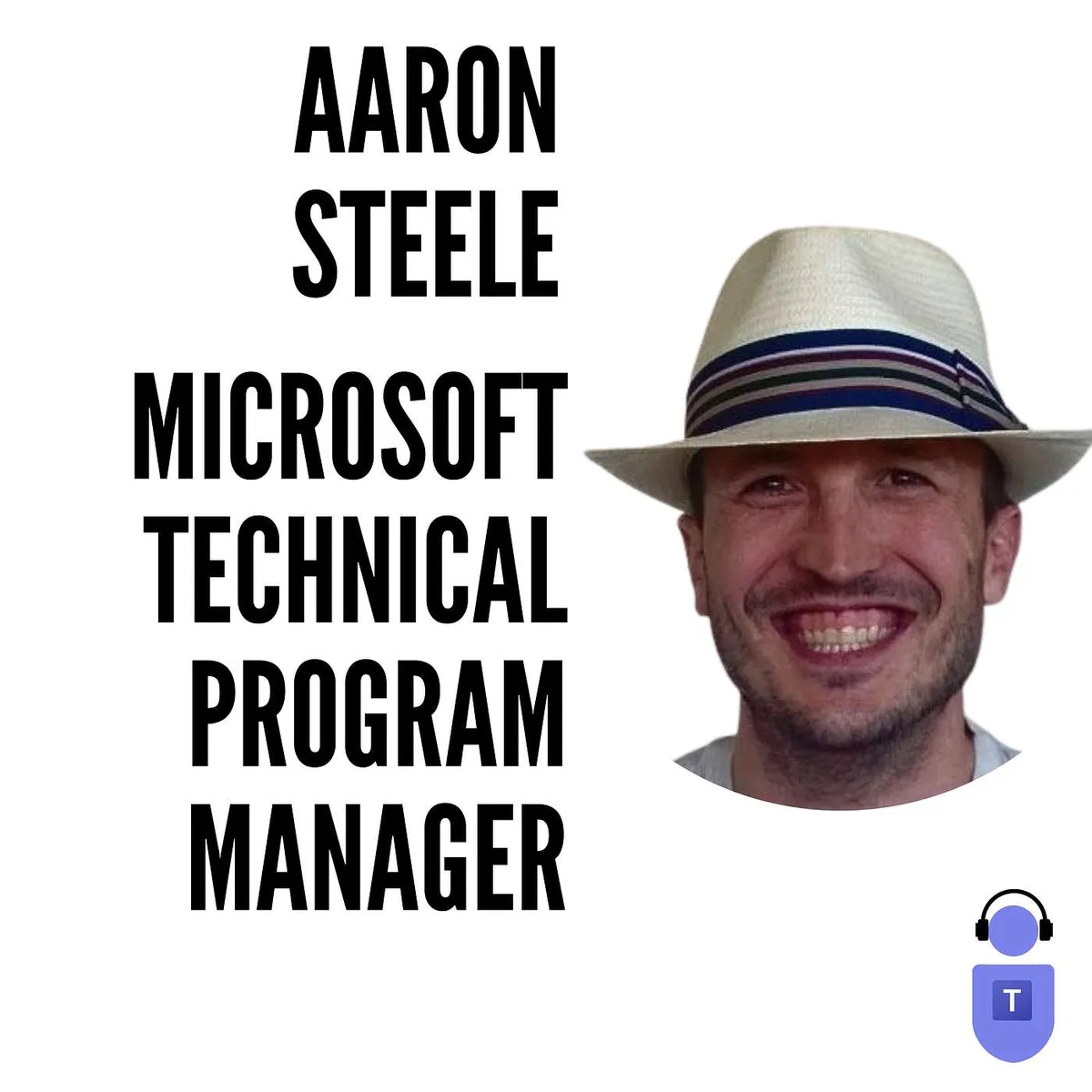
Aaron Steele, Microsoft Technical Program Manager talks about NDI with Microsoft Teams
Aaron Steele is a Microsoft Technical Program Manager sitting between engineering and product on the Teams events and media stack. He explains what NDI is, how it differs from SDI and the Broadcast Development Kit, the bandwidth and hardware realities of pulling isolated feeds out of a Teams…
Who should listen: M365 service owners and UC/AV professionals who run internal broadcasts, town halls or live events in Teams, and anyone weighing NDI, SDI hardware out or the Broadcast Development Kit for higher-production-value meetings.
Guest: Aaron Steele — Technical Program Manager, Microsoft
Aaron Steele is a Microsoft Technical Program Manager sitting between engineering and product on the Teams events and media stack. He explains what NDI is, how it differs from SDI and the Broadcast Development Kit, the bandwidth and hardware realities of pulling isolated feeds out of a Teams meeting, and how the NBA and Christie's used it for live productions.
Key insights
- NDI is the network-based successor to SDI: same uncompressed video routing, but over a local, non-routed LAN instead of point-to-point BNC cabling. It can be forced across subnets, but you generally shouldn't. ▶ 2:44
- Plan for 10 gigabit on the LAN. NDI streams are uncompressed to preserve raw 1080p30, so around 100 Mbps per stream is normal — not an afterthought on a shared corporate network. ▶ 3:43
- There are three distinct broadcast options depending on the customer's existing plant: NDI for greenfield/internet-first setups, SDI hardware out via AJA and Blackmagic devices for studios with miles of BNC cable they won't rip out, and the Broadcast Development Kit (a script plus process that builds VMs in Azure) for cloud-first production teams spread across regions. ▶ 6:06
- The second big NDI addition was isolated audio per participant — capture Tom's video and you get only Tom's audio, not the meeting mix. That removes the need for a producer sitting in the meeting muting and unmuting people as they speak. ▶ 8:58
- For the NBA bubble, NDI plus Together Mode scenes fed ten roughly 3m x 6m screens of remote fans across three courts, with round-trip latency court-to-attendee-to-screen of under two seconds — the number that made player-audience interaction feel real. ▶ 9:49
- RTMP is the other half of the equation and is not really real time — expect 15 to 30 seconds of delay. Use it to push a mixed production from OBS or vMix into a Teams live event and let the CDN handle distribution rather than the production. ▶ 14:10
- No extra licensing: NDI is core to E3 and E5. Turn on the policy, the user enables NDI under meeting permissions, and that client starts emitting feeds — which is why there is so little documentation. Capture can be free OBS or a $100k rig; the Teams side is identical. ▶ 21:44
- Live event production via external encoder previously ran through Stream; that encoder service is being rebuilt on the Teams stack (in public preview at time of recording, GA imminent), completing the Stream-on-SharePoint transition and giving the team a base to improve video quality and bandwidth. ▶ 17:33
- The stated direction is collapsing the meeting/webinar/live event distinction so an organiser who unexpectedly gets 12,000 registrations doesn't have to cancel and reschedule — early joiners stay interactive, everyone else gets a stream, with no up-front irreversible choice. ▶ 25:18
Insights summarised by AI from the episode transcript, reviewed by the Empowering.Cloud team.
Listen: Apple Podcasts · Spotify · Other platforms



Comments ()