4 Ways to Improve Customer Experience With Landis Contact Center for Microsoft Teams
Preston Martin, Account Executive, and Paul Martin, Account Executive, at Landis Technologies share four practical ways the Landis Contact Center for Microsoft Teams improves customer experience, with all features available and proven today.
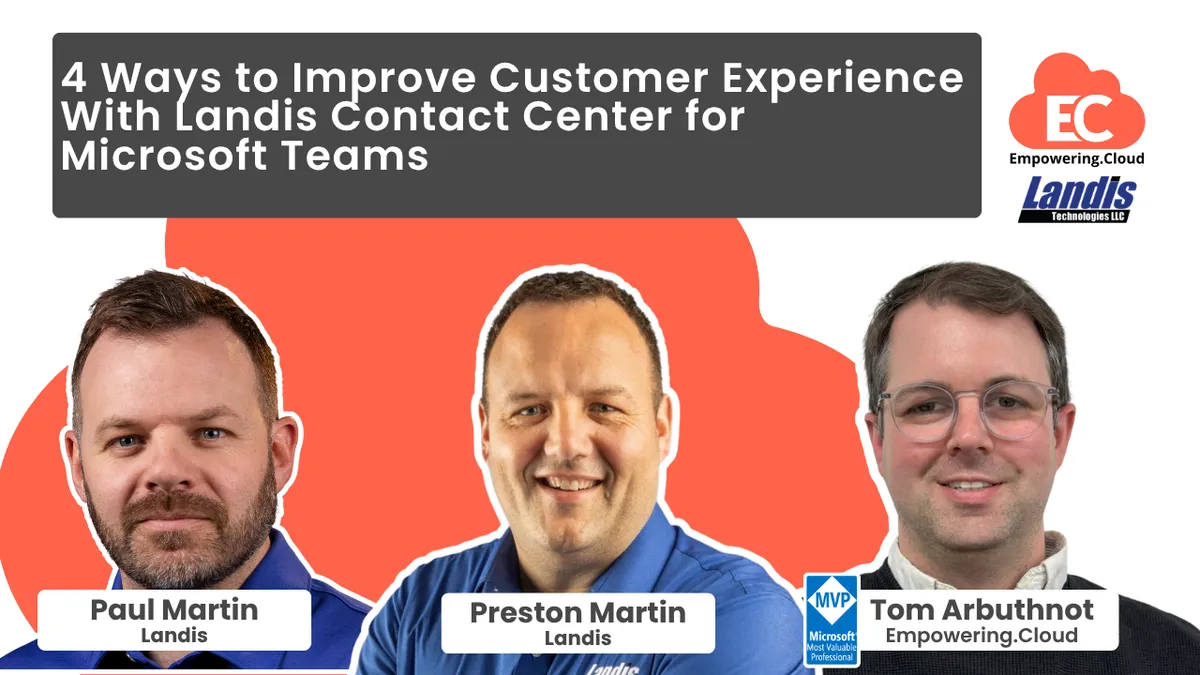
Preston Martin and Paul Martin of Landis Technologies walk Tom Arbuthnot through four customer experience improvements in Landis Contact Center for Microsoft Teams: abandoned call recovery using Adaptive Cards in Teams channels, AI live agent assist, natural language IVR routing with CRM data dips, and Copilot Studio chatbots across web and WhatsApp. They also cover transcription options for regulated environments, trials and fast deployment.
Preston Martin, Account Executive, and Paul Martin, Account Executive, at Landis Technologies share four practical ways the Landis Contact Center for Microsoft Teams improves customer experience, with all features available and proven today.
• Abandoned call recovery and proactive callbacks: automated alerts via adaptive cards in Microsoft Teams channels let agents call back customers who hung up, turning negative experiences into positive ones
• Live agent assist with AI: real-time transcript analysis surfaces relevant documentation, checklists, and call summaries directly to agents, helping newer staff perform like experienced professionals
• Intelligent call routing: AI-powered IVR replaces rigid menu trees, understanding natural language to route callers to the right team instantly, with CRM integrations for personalised experiences
• AI-powered chat channels: Copilot Studio chatbots across web, WhatsApp, and more handle queries intelligently and escalate seamlessly to human agents with full conversation context All features are baked into the Landis platform with fully functional trials available and deployments possible in as little as 48 hours.
Chapters
- Introductions and what the session covers
- 4:20 Callbacks: queue-first versus agent-first connection
- 5:17 Abandoned call reporting and thresholds
- 7:20 Adaptive Card recovery in a Teams channel
- 10:53 Live agent assist from the call transcript
- 13:04 Agent checklists and prompt-based customisation
- 15:09 Call summaries, webhooks and Salesforce follow-up
- Intelligent IVR and natural language intent
- 19:03 CRM data dips, Regex routing and agent context
- 22:53 Transcription without recording for regulated environments
- 24:08 Chat channels and Copilot Studio agents
- Where to start, trials and 48-hour deployments
Key insights
- Abandoned calls above a configurable threshold post an Adaptive Card to a Teams channel via Power Automate, with one-click callback and mark complete.
- Callbacks can connect the agent first, so the customer experiences a direct outbound call rather than being returned to the queue.
- Live agent assist reads the call transcript in real time and surfaces documentation, checklists and a running summary, configured through prompts.
- Call summaries can fire on a webhook into systems such as Salesforce, including drafting a follow-up email to the customer.
- The IVR can ask callers to state why they are calling, interpret intent, and route using CRM or ticketing data dips and Regex on area or country codes.
- Chat channels across web and WhatsApp use Copilot Studio agents, with escalation to a human who sees the full bot conversation context.
- Transcription can be enabled without audio recording and kept in the local environment with webhooks to databases, for regions with stricter regulation.
- Fully functional trials are available, builds can move into production, and Landis has taken customers live in roughly 48 hours in emergencies.
Insights summarised by AI from the episode transcript, reviewed by the Empowering.Cloud team.

Comments ()